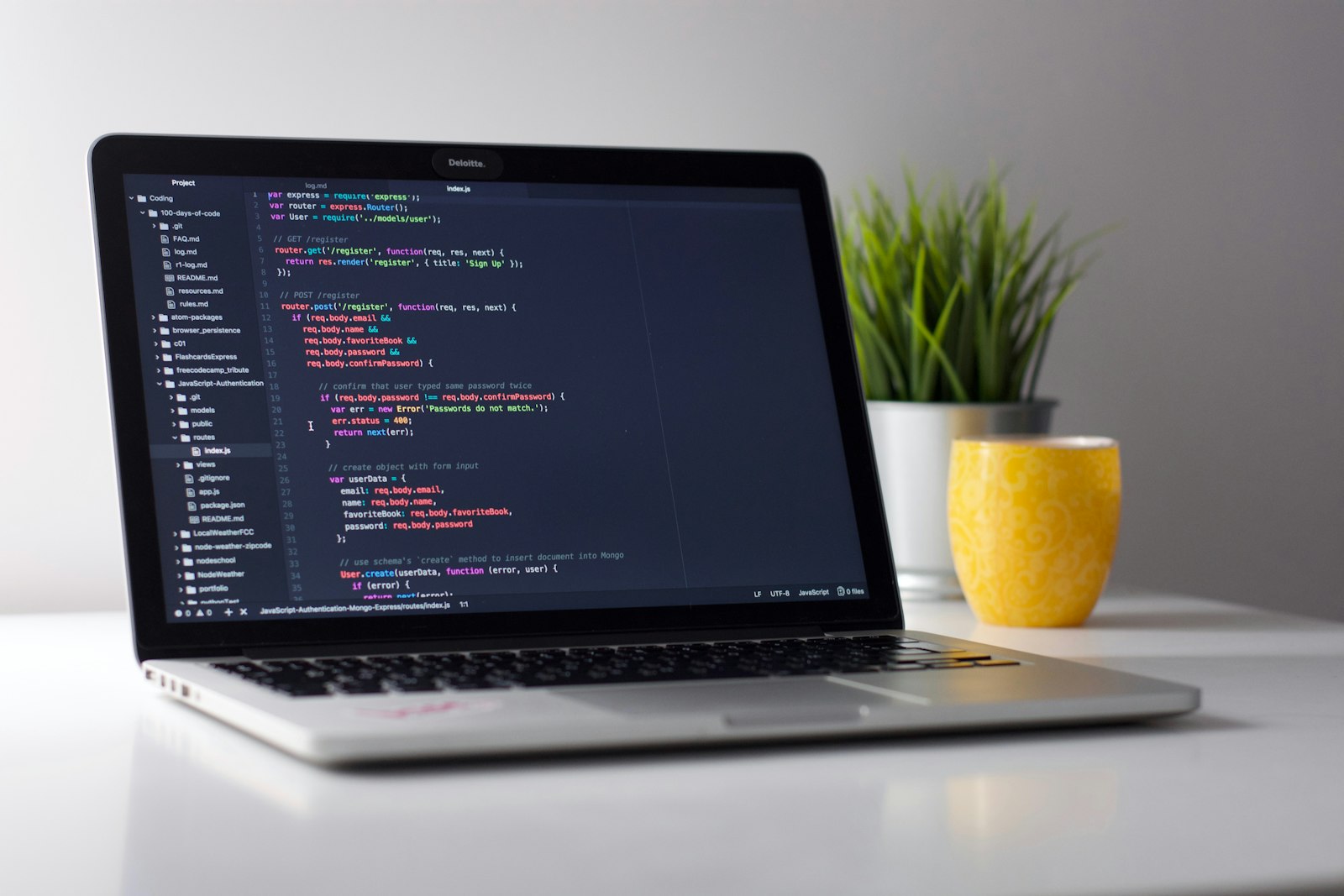
Every developer remembers the first time their app ran. For me, around 2020, it was a green arrow in Visual Studio and a browser tab that said localhost. I didn't know it then, but that was the start of a long journey that had nothing to do with writing code, and everything to do with getting that code in front of people.
This is the story of how deploying my .NET apps changed over the years, from pressing F5 to running my own small server at home. Every step felt like the finish line at the time. None of them were.
Stage 1: "It works on my machine" (and only there)
My first real app was the kind almost everyone builds: a small student management system in ASP.NET MVC. Add a student, edit a student, delete a student, show them in a table. Nothing special, but it was mine, and I was proud of every page.
In those days, deploying meant pressing F5. Visual Studio built the project, IIS Express started quietly in the background, and my app opened in the browser. I could change a view, refresh, and see it instantly. If something broke, I set a breakpoint, stepped through the code, and fixed it.
It felt like magic, and honestly, it felt like I was done. The app worked. What else was there?
The answer came the first time I wanted to show it to someone. I couldn't send them localhost:44312. The app only lived as long as Visual Studio was open, on my laptop, in my room. If I closed the laptop, my app stopped existing.
Looking back, this stage hid a lot from me. Visual Studio was quietly doing dozens of things: building in Debug mode, starting a web server, setting environment variables, trusting a development certificate. I didn't know any of that was happening, so I didn't know any of it would be my problem later.
It worked on my machine, and only on my machine.
Stage 2: Publishing to IIS on my own PC
The next step was learning to publish. I turned on IIS in Windows features, right-clicked the project, chose Publish, and pointed it at a folder. Then I opened IIS Manager for the first time, created a site, set up an application pool, and pressed refresh.
The first attempt didn't work, of course.
First a 500 error. Then a message about a missing module, which turned out to mean I hadn't installed the ASP.NET Core Hosting Bundle. Then an access denied error, because the application pool identity didn't have permission to read my folder. Then the app started, but couldn't connect to the database, because the connection string was pointing to something only Visual Studio knew about.
Each error took me to Google, then to Stack Overflow, then to the Windows Event Viewer, a tool I didn't even know existed before this.
But when it finally loaded, without Visual Studio running, something changed in my head. My app was no longer a project. It was a running thing. It had its own process, its own identity, its own configuration. It could run while I did something else.
This stage taught me the basics I still use today:
- What an application pool is, and why it matters which identity it runs as.
- That Debug and Release builds really are different, in speed and in behaviour.
- That
web.configand the ASP.NET Core Hosting Bundle are not optional. - That configuration and connection strings are different on every machine.
- That reading logs and the Event Viewer is a real skill, not a last resort.
I could even open the app from my phone on the same Wi-Fi, using my PC's local IP. It felt like a small victory.
But it still only ran on my PC. If my PC was off, the app was off. And outside my home network, it didn't exist at all.
Stage 3: Free shared ASP.NET hosting, my first real URL
Then I found FreeASPHosting.net. Free ASP.NET hosting, and a real URL I could send to friends!
I remember signing up, uploading my published files, setting up the database through a control panel, and refreshing the page again and again. When it finally loaded from somewhere that wasn't my room, I smiled like an idiot. I sent the link to friends. Some of them clicked it. One of them added a fake student called "Batman". It was the best day.
This was the first time my app lived on the internet. Someone on the other side of the world could open it, and I didn't have to do anything. That feeling is hard to explain to non-developers, but every developer knows it.
The excitement was real. So were the limits that come with any free shared plan:
- A small slice of RAM and CPU, shared with many other sites on the same server.
- Very little control over the server, the IIS settings or the runtime.
- Limits on storage and database size.
- No way to run background services or anything outside a normal web app.
- When something went wrong, I could only see what the control panel showed me.
Shared hosting also taught me something important: you don't own the environment. On my PC, I could change anything. On shared hosting, I had to work within someone else's rules. My app had to fit the server, not the other way around. That's a lesson that applies to every cloud platform too.
Still, I'm grateful for that free hosting. It let me put something on the internet without paying anything, and that matters a lot when you're starting out. Many developers in Nepal, like me back then, can't easily pay for hosting just to learn. Free hosting gave me a real place to practise.
But soon I wanted more control than a shared plan could give me.
Stage 4: My own VPS on Hostinger
So I thought: why don't I just get my own server? I bought a VPS on Hostinger, and for the first time I had root access to a machine on the internet that was mine.
I still remember my first SSH login. A black terminal, a blinking cursor, and the realisation that there was no control panel anymore. No Publish button. No friendly settings page. Just Linux, and me.
At first it felt like freedom. And I learned more in those months than in years before:
- How to install and update the .NET runtime on Linux.
- How to run an ASP.NET Core app as a
systemdservice, so it starts on boot and restarts if it crashes. - How to put a reverse proxy like Nginx in front of the app.
- How to get free SSL certificates with Let's Encrypt, and make sure they renew.
- How to set up a firewall, and why you close every port you don't need.
- How DNS records really work, because now I was the one pointing my domain at the server.
I could host several apps, run my own database, and set things up exactly the way I wanted. For the first time, I understood the whole path of a request: from the browser, through DNS, to my server, through Nginx, into Kestrel, into my code, and back.
And it served me well. Then the problems began.
UAT and production, side by side
To save money, I ran both my UAT and production environments on the same VPS. Same machine, same environment, and both databases on the same database server.
Nothing ever went badly wrong. But it got on my nerves more than I expected:
- When I opened a database tool to test something, I always had to double-check which database I was connected to. One wrong click while testing, and I could be changing real production data.
- A heavy test run or a new UAT deployment could slow down the live app, because they shared the same CPU, RAM and database server.
- A server-level change meant for UAT, like updating a runtime or changing a config, could easily affect production too.
- Every deployment came with a small knot in my stomach, because "testing" and "live" were only a connection string apart.
It's a strange kind of stress. Nothing is broken, but you're always careful, always checking, always a little afraid. It slows you down. You stop experimenting in UAT, because UAT is too close to the real thing. And then UAT stops being useful.
And then there were the limits of the plan itself: a fixed amount of RAM, a few CPU cores, and a bandwidth allowance I always kept in the back of my mind. Every new app or experiment made me ask: will this fit? Upgrading meant paying more every month, for a bit more of everything.
The VPS taught me the most important lesson of this whole journey: environments need real separation. Not just different folders or different database names, but boundaries that a tired developer at midnight can't accidentally cross.
Stage 5: My own homelab
The latest step, and my favourite so far, is my own homelab.
At some point I did the maths. I was paying every month for limited resources, and still sharing environments to save money. For the price of a few years of a bigger VPS, I could buy a small, powerful machine once and own it.
So I bought a Minisforum MS-A2. It's a small box with a 16-core CPU and 32 GB of RAM, sitting quietly at home. It doesn't look like much, but it's more power than I've ever had on any server I've rented.
Instead of Windows, I installed Proxmox VE, a free virtualisation platform. Proxmox lets one physical machine run several virtual machines, each acting like its own separate server. On top of it, I created three VMs:
| VM | RAM | Purpose |
|---|---|---|
| Production | 12 GB | The live apps and their database |
| Testing | 6 GB | UAT, with its own separate database, where new versions are deployed and checked first |
| Misc | 8 GB | Experiments, tools and side projects |
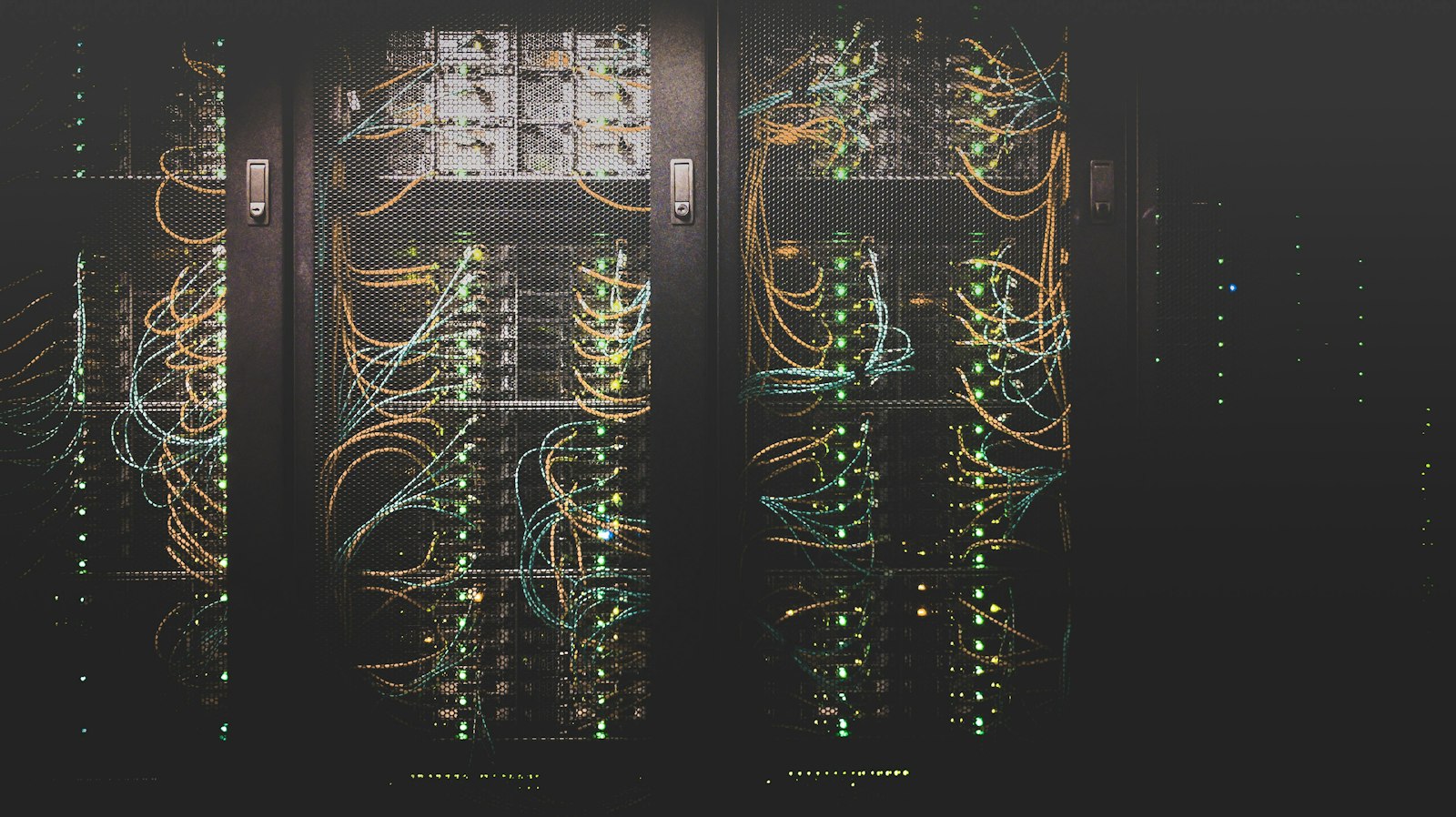
This finally fixed the thing that kept me nervous on the VPS. UAT and production are now on different machines, with different databases. When I test something, I'm on the testing VM, and there is simply no way to touch production data by accident. The connection strings don't even point to the same place.
And Proxmox has a feature I fell in love with: snapshots. Before I try something risky on the testing VM, like a big upgrade or a database migration, I take a snapshot. If it goes wrong, I roll the whole VM back in seconds, as if nothing happened. I can break UAT as much as I want, and production doesn't even notice.
The Misc VM is my playground. New tools, side projects, things I read about and want to try. Before, I'd think twice before installing something on my only server. Now I just try it, and if I don't like it, I delete it.
For access, I use Tailscale, so Proxmox and the VMs are not open to the internet at all, and the setup keeps working even if I move house or change router. To make apps public, Cloudflare Tunnel lets me expose them without opening any ports. Both of these deserve their own post, so I'll write about them separately.
And the best feeling? I don't have to think about whether my plan includes enough RAM, CPU cores or bandwidth for one more experiment. If I want to try something, I just create a VM and try it. That freedom is what got me excited about building things in the first place.
I still have the Hostinger VPS today. But the homelab is where my real work now lives.
The other side of a homelab
Of course, a homelab has its own responsibilities, and I want to be honest about them.
Power cuts, internet outages, backups and hardware are now my problems, not a hosting company's. If the power goes off at home, my apps go off too. If a disk fails, there's no support ticket to open. A data centre has redundant power, redundant networking and people watching it 24 hours a day. My homelab has me.
So it's not the right choice for everything. If I was running something critical for a business, I'd still put it in the cloud or on a proper hosted server. But for my own apps, my blog, my learning and my experiments, the trade-off is absolutely worth it.
And even the problems teach me something. Every time I set up a backup, think about what happens if a disk dies, or plan for an outage, I'm learning the same things that operations teams deal with every day. That's knowledge I bring back to my work as a .NET developer.
What each stage taught me
| Stage | What it gave me | What it couldn't do |
|---|---|---|
| F5 in Visual Studio | Instant feedback while building | Run anywhere but my laptop |
| IIS on my PC | Understanding how apps really run | Stay online when my PC was off |
| Free shared hosting | My first public URL | Give me control or performance |
| Hostinger VPS | Full control and a real server | Keep UAT and production truly separate |
| Proxmox homelab | Separate environments and freedom to experiment | Remove the responsibility of running it |
What stayed the same
Looking back, a few lessons followed me through every stage:
- Deployment is part of development. An app that only runs on your machine isn't finished. The day you deploy, you find out what your app really depends on.
- Separate your environments, including your data. The day test and production share a database is the day you start being afraid of your own tools.
- Configuration is different everywhere. Connection strings, secrets, URLs. Keep them out of your code, and know where each environment gets them from.
- Automate what you repeat. Every manual step is a chance to do the right thing in the wrong place.
- Understand one layer below you. IIS, Linux, networking and DNS made me a much better .NET developer. When something breaks in production, that knowledge is what helps you find it.
Final thoughts
The journey from a green arrow in Visual Studio to a server humming in my own home has been fabulous. Each step solved one problem and showed me the next one. Each one made me a little more confident, and a little more humble.
When I think about that student management app, running only on my laptop, I almost feel sorry for it. It never got to see the internet. But it taught me how to build. Everything after that taught me how to ship.
If you're still at the F5 stage, that's completely fine. We all started there. Publish something small, break it, fix it, and move to the next step when the current one starts to feel too small. You don't need a homelab to be a good developer. But every step closer to how your app really runs will make you a better one.
Where are you on this journey? Still on free hosting, happy on a VPS, or already running your own homelab? Tell me in the comments. I'd love to hear how your path looked.

Comments (0)
🔑 Log in to comment Sign in with your email to like, save and join the discussion.
No comments yet. Be the first!